
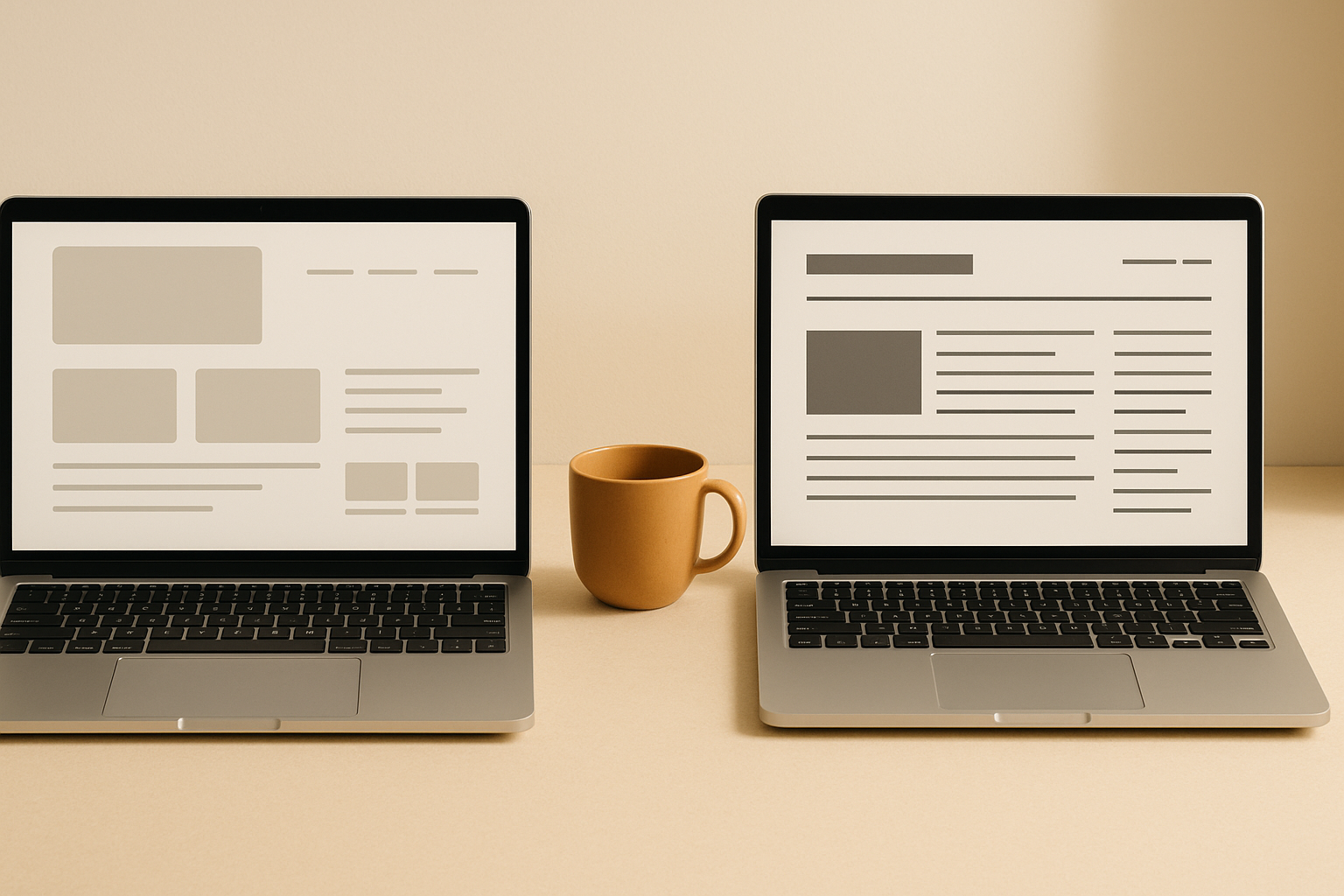
The Webflow vs WordPress debate is one I have with clients almost weekly. Both platforms can create amazing websites, but they serve different needs and business types.
After building hundreds of websites on both platforms through Chasing Creative, I've learned when each platform makes sense. Here's an honest comparison that will help you make the right choice for your business.
The Quick Decision Framework
Before we dive deep, here's the short version:
Choose Webflow if: You want design freedom without code, prioritize speed and performance, need modern hosting, and don't require complex functionality.
Choose WordPress if: You need extensive customization options, want thousands of plugin choices, have complex requirements, or work with tight budgets.
Now let's dig into the details.
Design Flexibility and Control
Webflow: Visual Design Freedom
Webflow's visual editor is where it shines. You can create virtually any design without writing code. The platform gives you full control over CSS properties through an intuitive interface.
This means you can create unique, custom designs that don't look like everyone else's website. No template limitations or design constraints.
For businesses that want their website to stand out visually, Webflow is hard to beat. The design flexibility rivals what you'd get with custom code, but without the development time or cost.
WordPress: Theme-Based with Customization
WordPress relies heavily on themes for design. While there are thousands of themes available, customizing them often requires code knowledge or page builder plugins.
Page builders like Elementor, Divi, and Beaver Builder have improved WordPress' visual editing capabilities significantly. But they still don't match Webflow's native design tools.
However, WordPress themes can be incredibly sophisticated. Premium themes often include features that would take months to build from scratch.
Winner: Webflow for design flexibility, WordPress for pre-built functionality
Performance and Speed
Webflow: Built for Speed
Webflow sites are fast by default. The platform automatically optimizes images, minifies code, and serves content from a global CDN.
Most Webflow sites achieve Google PageSpeed scores of 90+ without any optimization effort. The hosting infrastructure is modern and designed for performance.
For businesses where site speed directly impacts conversions (which is most businesses), this performance advantage is significant.
WordPress: Performance Depends on Setup
WordPress performance varies dramatically based on hosting, themes, and plugins. A poorly optimized WordPress site can be painfully slow.
But with proper optimization, WordPress sites can be extremely fast. The key is choosing good hosting, lightweight themes, and minimal plugins.
The challenge is that optimization requires technical knowledge most business owners don't have.
Winner: Webflow for out-of-the-box performance
SEO Capabilities
Webflow: Clean Code and SEO Tools
Webflow generates clean, semantic HTML that search engines love. The platform includes built-in SEO tools for meta tags, alt text, and structured data.
The code quality is consistently high, which helps with search rankings. You don't have to worry about bloated themes or plugins slowing down your site.
However, Webflow's SEO tools are somewhat basic compared to dedicated WordPress SEO plugins.
WordPress: Powerful SEO Ecosystem
WordPress has the most advanced SEO tools available. Plugins like Yoast, RankMath, and All in One SEO provide incredibly detailed optimization guidance.
The WordPress ecosystem includes specialized tools for local SEO, e-commerce SEO, and technical SEO that aren't available on other platforms.
For businesses with aggressive SEO strategies, WordPress offers more advanced capabilities.
Winner: WordPress for advanced SEO features, Webflow for technical SEO foundation
Content Management
Webflow: Modern CMS with Limitations
Webflow's CMS is clean and user-friendly. Content editors will find it intuitive to use without training.
The CMS works well for blogs, portfolios, and product catalogs. But it lacks advanced features like user roles, content scheduling, and complex taxonomies.
For simple content needs, Webflow's CMS is actually superior to WordPress. It's just not as powerful for complex content strategies.
WordPress: Content Management Powerhouse
WordPress was built for content management and it shows. The platform handles complex content hierarchies, multiple user roles, and extensive content relationships with ease.
Features like content scheduling, revision history, and advanced user permissions are built-in. The ecosystem includes plugins for any content-related need you can imagine.
For content-heavy websites or businesses with multiple content contributors, WordPress is the clear choice.
Winner: WordPress for complex content needs, Webflow for simple content management
E-commerce Capabilities
Webflow: Basic E-commerce
Webflow E-commerce is beautiful and fast, but limited in functionality. It works well for simple product catalogs with straightforward checkout processes.
The design flexibility means your store can look unique, but you'll hit walls if you need complex product variations, advanced inventory management, or sophisticated shipping options.
WordPress: WooCommerce Ecosystem
WooCommerce powers over 25% of all online stores. The platform can handle everything from simple shops to complex marketplaces with thousands of products.
The extension ecosystem is massive. You can add subscription billing, advanced inventory management, sophisticated shipping calculators, and integration with virtually any payment processor.
For serious e-commerce businesses, WordPress with WooCommerce is usually the better choice.
Winner: WordPress for robust e-commerce
Maintenance and Updates
Webflow: Minimal Maintenance
Webflow handles all hosting, security, and platform updates automatically. You never have to worry about plugin conflicts, security vulnerabilities, or server management.
This is huge for small businesses that don't want to deal with technical maintenance. Your website just works without ongoing technical overhead.
WordPress: Ongoing Maintenance Required
WordPress requires regular updates to the core software, themes, and plugins. Security monitoring is essential. Backup management is your responsibility.
This maintenance can be handled by agencies or developers, but it's an ongoing cost and potential point of failure.
WordPress sites that aren't properly maintained become security risks and performance problems.
Winner: Webflow for hands-off maintenance
Cost Analysis
Webflow: Predictable Monthly Costs
Webflow pricing starts at $18/month for basic business sites, with e-commerce plans starting at $42/month. This includes hosting, security, and platform access.
While monthly costs are higher than basic WordPress hosting, you're getting hosting, CDN, security, and platform access in one package.
For businesses that value predictable costs and minimal technical overhead, Webflow's pricing often makes sense.
WordPress: Lower Entry Cost, Variable Long-term Costs
WordPress itself is free. Basic hosting can start as low as $5/month. But real-world WordPress costs include:
- Premium themes ($50-200)
- Essential plugins ($100-500/year)
- Quality hosting ($20-100/month)
- Maintenance and updates ($50-500/month)
- Security monitoring ($10-50/month)
For simple sites, WordPress can be much cheaper. For complex sites with proper maintenance, costs can exceed Webflow.
Winner: Depends on complexity and maintenance approach
When to Choose Webflow
Webflow is the right choice when you:
- Want a unique, custom design without hiring a developer
- Prioritize website performance and speed
- Prefer minimal ongoing maintenance
- Need a website that looks modern and professional
- Have straightforward content management needs
- Want predictable monthly costs
Industries that often benefit from Webflow include creative agencies, consultants, small service businesses, and companies where brand presentation is critical.
When to Choose WordPress
WordPress is the better choice when you:
- Need extensive customization and functionality
- Have complex content management requirements
- Plan to build a serious e-commerce business
- Want access to thousands of plugins and themes
- Have technical resources for ongoing maintenance
- Need advanced SEO capabilities
- Work with tight budget constraints
WordPress works well for content-heavy sites, large e-commerce stores, membership sites, and businesses with specific technical requirements.
The Hybrid Approach
Some businesses use both platforms strategically:
- Marketing site on Webflow for design flexibility and performance
- Blog on WordPress for advanced content management and SEO
- E-commerce on WordPress for robust functionality
This approach maximizes the strengths of each platform but requires managing multiple systems.
Migration Considerations
Switching between platforms isn't impossible, but it's not simple either:
WordPress to Webflow
Content can be migrated, but design needs to be rebuilt completely. This is essentially building a new website.
Webflow to WordPress
Content migrates more easily, but you'll lose Webflow's visual design system and need to recreate designs in WordPress themes.
The lesson: choose carefully upfront rather than planning to switch later.
Making Your Decision
The right platform depends on your specific business needs, not general platform features.
Ask yourself these questions:
- How important is unique visual design to your business?
- What's your technical comfort level and maintenance preference?
- How complex are your content management needs?
- What's your budget for both setup and ongoing costs?
- How important is website performance to your business goals?
Most small businesses prioritizing design and performance will be happier with Webflow. Most businesses with complex requirements or aggressive SEO strategies will benefit from WordPress.
Need Help Choosing the Right Platform?
Platform choice is just the beginning. Success comes from strategic design, quality content, and ongoing optimization regardless of which platform you choose.
At Chasing Creative, we build websites on both Webflow and WordPress depending on what makes sense for each client's specific needs and goals.
If you're not sure which platform is right for your business, let's discuss your requirements and recommend the best approach.
I write about brand, media, and the creator business on LinkedIn most weeks.
Follow on LinkedIn"Photos are gorgeous and he knows how to capture people's expressions in a unique way... I consider him one of my best photographers in my arsenal."

Join the Conversation Today!
Subscribe for insights, share your thoughts, and connect with a community of passionate readers.

Connect with Blake Today
Ready to elevate your brand? Reach out and let's create something extraordinary together.
.avif)
FAQs
Here are some common questions related to our blog posts.
A blog is a platform for sharing ideas, insights, and information. It allows individuals or businesses to connect with their audience. Regular updates can help build a community and establish authority.
Begin by choosing a niche that interests you. Set up a blogging platform and create quality content. Consistency and engagement with your audience are key to success.
SEO, or Search Engine Optimization, helps improve your blog's visibility online. It drives organic traffic by optimizing content for search engines. This can lead to increased readership and engagement.
Promote your posts through social media channels and email newsletters. Collaborating with other bloggers can also expand your reach. Engaging with your audience through comments and discussions fosters community.
Content marketing involves creating valuable content to attract and retain an audience. It focuses on providing useful information rather than directly selling products. This builds trust and loyalty among readers.
You can monetize blogs through affiliate marketing, sponsored posts, and advertisements. Offering premium content or services can also generate income. Building a loyal audience is essential for successful monetization.
Backlinks are links from other websites to your blog. They are crucial for SEO as they signal credibility and authority. High-quality backlinks can significantly boost your search engine ranking.
Creating engaging content is essential for keeping readers interested. Use visuals and storytelling to enhance your posts. Regularly updating your blog can also improve retention.
Use analytics tools like Google Analytics to track your blog's performance. These tools provide insights into visitor behavior and traffic sources. Analyzing this data helps refine your content strategy.
Guest posting involves writing articles for other blogs to reach a wider audience. It helps build backlinks and establish authority in your niche. This strategy can drive traffic back to your own blog.
Still have questions?
Feel free to reach out!